How to Create Content Without Being on Camera Using AI
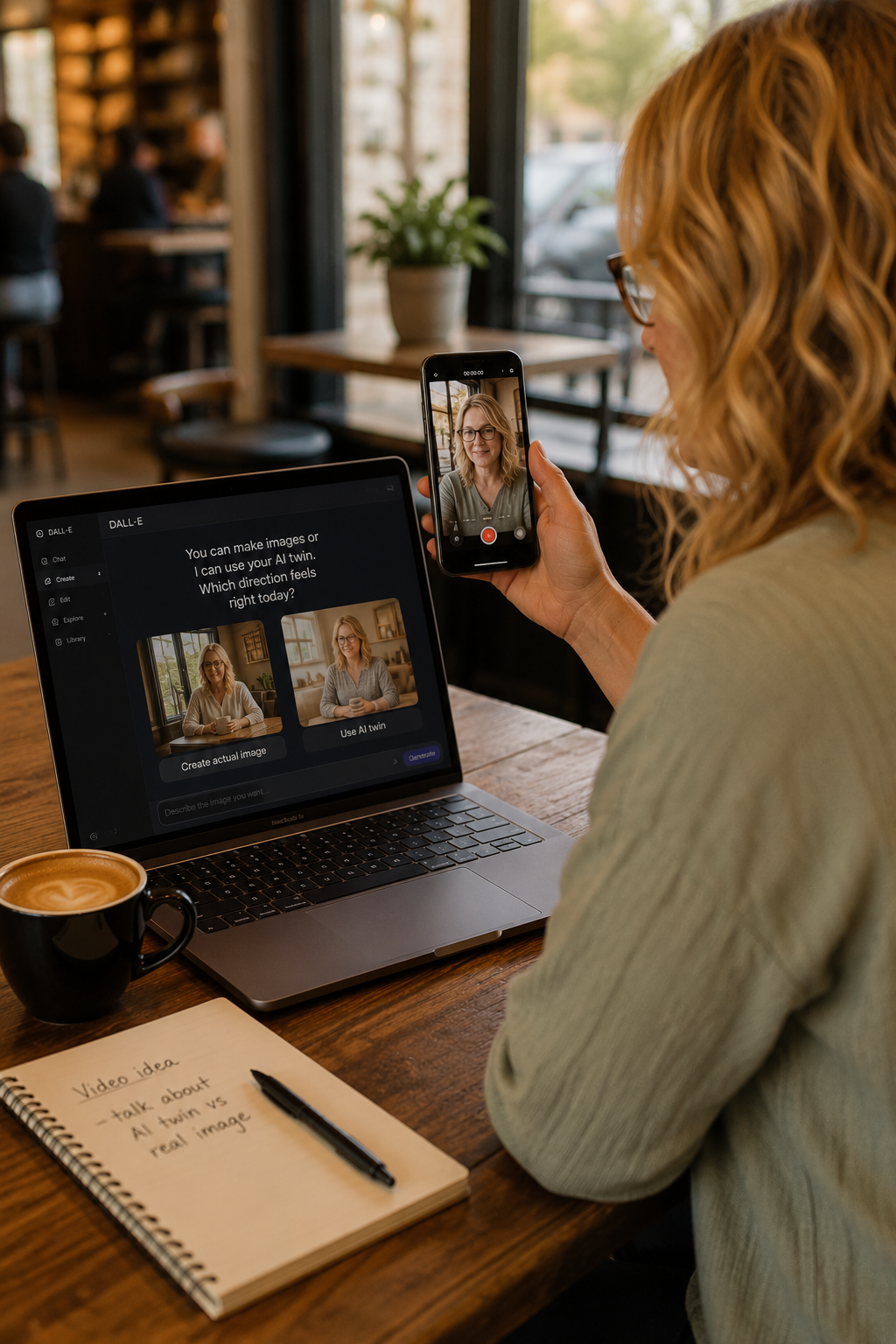
Part 3 of 5: The Content Batching Series for Creators in Any Niche
This is the post I wish someone had written for me six months ago.
I do not film anymore. I made that decision and I am not going back any time soon. Not because I am afraid of the camera but because it stopped making sense for how I work and what I want to build. And the moment I gave myself permission to stop, my content creation became faster, less stressful, and honestly a whole lot more consistent.
If you have been feeling like you have to show your face to succeed online, this post is your permission slip to try a different way.
First. Let Us Bust the Myth.
The online world will tell you that video is everything and that showing your face builds the fastest trust. And there is truth in that.
But here is what is also true. Plenty of creators are building real audiences and making real sales without ever appearing on camera. They use AI generated video, static image content, strong written posts, and strategic repurposing to show up consistently and build trust through their words and their message instead of their face.
You get to choose what works for your life. Both paths are valid. You can also do both.
The Two Types of Content You Can Create Without a Camera
When we talk about faceless content creation there are two main categories:
AI Generated Video: These are videos created using AI tools where a digital avatar or AI voiceover delivers your content. You write the script, the AI creates the video. No camera. No lighting setup. No filming yourself from seven different angles hoping one looks decent.
Static Image Content: Graphics, quote cards, carousels, Pinterest pins, and text-based posts created in tools like Canva. These are some of the highest performing content types on Pinterest and Facebook especially, and they take a fraction of the time of video.
Most creators who go faceless use a combination of both.
AI Video Tools Worth Knowing About
The AI video space is moving fast. Here are the types of tools that are currently being used by content creators to produce video without filming:
Avatar-based video tools like HeyGen and Synthesia let you create a digital presenter that reads your script. You can use a stock avatar or in some cases create one that resembles you. These work well for educational content, tutorials, and explainer videos.
Text to video tools like Pictory and InVideo take your written content, a blog post or a script, and turn it into a video with stock footage, captions, and music. These are great for repurposing your blog posts into social media video content.
AI voiceover tools let you add a professional sounding voice to your graphics or slideshows without recording yourself. Tools like ElevenLabs produce voices that sound natural and can be matched to different tones and styles.
A note from me: I am still testing and finding what works best for my own content. What I can tell you is that starting simple is always better than waiting until you find the perfect tool. Pick one and learn it before you add another.
Static Image Content Is More Powerful Than You Think
Before you go deep on AI video, do not overlook what a strong static image strategy can do for you.
On Pinterest especially, text-based graphics consistently outperform video for driving traffic and converting readers. A clean graphic with a bold headline that speaks directly to your reader's problem will stop the scroll and get clicks.
On Facebook, quote cards and tip graphics get saved and shared far more than video for certain audiences. And saved posts signal to the algorithm that your content is worth showing to more people.
Static images are also the fastest content to batch. In Canva you can create a template once and then swap out the text and colors for every new post. Ten graphics in an hour is completely realistic once you have your template set up.
How to Batch AI and Static Content Together
Here is what a batching session might look like when you are creating without a camera:
Start with your written captions. Write all of your captions first using your content calendar from Part 2. This is your foundation.
Decide which posts become graphics and which become AI video. Not every post needs to be a video. Educational tips, quotes, and repurposed blog content work beautifully as graphics. Save AI video for your stronger hooks or your promotional content where the extra polish helps.
Create your graphics in one Canva session. Use one template, swap the text, export everything at once.
Write your scripts for any AI videos. Keep them short. Thirty to sixty seconds is plenty for most social media platforms. Paste your caption and tighten it into a script.
Run your scripts through your AI video tool and export. Schedule everything.
That is a complete batching session without a single second of footage filmed.
What About Reels and Stories?
You can absolutely create reels without filming yourself. Here is how:
Use your AI generated video as your reel content. Add captions, music, and a strong hook overlay in your editing app or directly in Instagram.
Use slideshow style reels made entirely in Canva. These are static images or text slides set to music. They perform well and take very little time to create.
For stories, graphics work perfectly. Create a series of story-sized graphics in Canva and post them throughout the week. Add polls and question boxes over the top directly in the Instagram app.
You do not need to be on camera for any of this.
Being Real While Being Faceless
Here is the one thing I want you to hold onto if you choose to build faceless content strategy.
Your voice still has to be in your content. Not your literal voice necessarily but your perspective, your honesty, your story, your opinions. AI can generate a video. It cannot replicate why someone should trust you specifically.
That comes through in your words. In how you write your scripts. In the topics you choose to talk about and the angle you take on them. In the fact that you are willing to say I am three weeks into this and here is what I am learning instead of pretending you have it all figured out.
That is what builds an audience. The tools just help you show up consistently enough for people to find you.
Your Next Action Step
Pick one piece of content from your calendar this week and create it without filming yourself. Use a graphic in Canva or experiment with one AI video tool.
Just one. See how it feels.
Part 4 is next and it is where things start to multiply. We are talking about how to take one single piece of content and turn it into a full week of posts across multiple platforms. It is one of the most powerful things you can do as a solo creator and most people are not doing it.
Oh the things we shall build,
Sandi
Sandi writes about building online income, mastering digital marketing and using AI to work smarter because the life you want isn't going to build itself. New posts regularly so bookmark this page so you don't miss a thing.