How to Batch Your Pinterest Content for SEO and Return Customers
Part 5 of 5: The Content Batching Series for Creators in Any Niche
Welcome to the final post in this series. If you have made it here you now have a content batching system, a weekly calendar, a way to create without being on camera, and a repurposing framework that multiplies everything you make.
Now we are going to talk about the platform that most creators are either ignoring completely or using the wrong way.
Pinterest.
Pinterest Is Not Social Media
This is the most important thing I can tell you about Pinterest and it is the thing most creators miss entirely.
Pinterest is not a social media platform. It is a search engine.
People do not scroll Pinterest to see what their friends are doing. They go to Pinterest because they are looking for something specific. A solution. An idea. An answer. They type it into the search bar and they expect Pinterest to deliver results.
That means the rules that work on Facebook and Instagram do not apply here. Posting personal stories, engagement bait, and behind the scenes content will not get you traction on Pinterest. What gets you traction is showing up in the right searches with content that answers what people are already looking for.
That is why Pinterest SEO is its own skill. And it is one worth learning because a single well-optimized pin can drive traffic to your blog or your products for months, sometimes years, after you created it.
Compare that to an Instagram post that is forgotten in 48 hours.
How Pinterest SEO Actually Works
When someone types a search into Pinterest, the platform looks at your pin titles, pin descriptions, board names, and board descriptions to decide whether your content is relevant to that search.
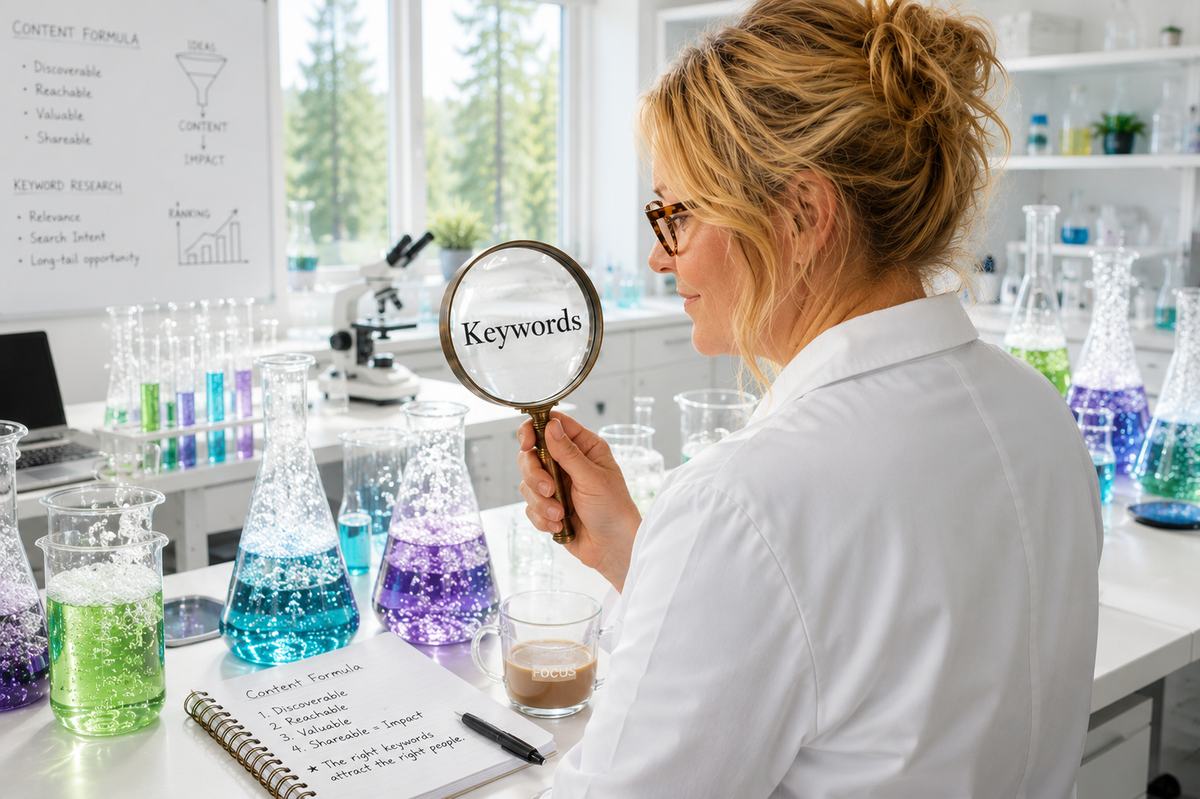
Keywords are everything on Pinterest. Not hashtags. Not engagement. Keywords.
This means before you create a single pin you need to know what words your ideal reader is actually typing into Pinterest when they are looking for what you offer.
Here is how to find those keywords for free:
Go to Pinterest and type your main topic into the search bar. Do not hit enter yet. Look at what auto-populates in the dropdown. Those are real searches people are doing right now. Write them down.
Hit enter and look at the colored keyword bubbles that appear at the top of the results. Pinterest is showing you the most popular related search terms. These are your keywords.
Look at the titles and descriptions of the top performing pins in your search. Notice the language they use. Those are the words that Pinterest has already decided are relevant to that topic.
Now use those exact words and phrases in your pin titles and descriptions.
The Difference Between Pinterest Content and Social Media Content
On Facebook and Instagram your hook is about emotion. Stopping someone mid-scroll with something that makes them feel something.
On Pinterest your hook is about search intent. Your pin title needs to match what someone is already looking for.
Compare these two headlines for the same topic:
Social media version: I was exhausted and overwhelmed until I tried this one thing.
Pinterest version: How to Batch Your Social Media Content for the Week (Step by Step for Beginners)
The social media version works because it creates curiosity. The Pinterest version works because someone typed how to batch social media content into the search bar and your pin title matches exactly what they were looking for.
Both are good. They just work differently and serve different purposes.
How to Batch Your Pinterest Content
Here is the good news. Pinterest content is some of the fastest to batch because you are mostly creating graphics with strong titles and writing keyword-rich descriptions.
Here is a simple batching process for Pinterest:
Start with your pillar content. Each blog post you write should become at least three to five Pinterest pins. Each pin highlights a different angle, a different tip, or a different section of the same post. They all link back to the same URL.
Use Canva to create your pin graphics. Pinterest performs best with vertical images in a 2:3 ratio, which is 1000 by 1500 pixels. Create one template and batch all of your pins at once by swapping out the headline text.
Write a keyword-rich description for each pin. This should be two to four sentences that naturally include the keywords you found in your Pinterest research. Do not stuff keywords in awkwardly. Write it like a human and include the keywords where they fit naturally.
Give every pin a strong title. This is what appears in the search results. Make it clear, specific, and searchable. How to, What Is, and numbered list titles tend to perform well.
Use Pinterest's own scheduler or a tool like Tailwind to schedule your pins to go out consistently over time. You do not need to pin everything at once. Spreading pins out over days and weeks actually signals to Pinterest that you are an active creator.
How Many Pins Should You Create Per Post?
A good starting point is three to five pins per blog post, each with a different graphic design and a slightly different title and description. This gives Pinterest multiple entry points to show your content in different searches.
Over time as you have more content you can create fresh pins for older posts too. New graphics pointing to the same URL can revive traffic to content you wrote months ago.
Using Pinterest to Drive Return Customers
Here is where Pinterest becomes a genuine business tool rather than just a traffic source.
When someone finds your content on Pinterest they are already in search mode, which means they are already looking for a solution. If your pin leads them to a helpful blog post and that blog post leads them to your freebie and your freebie leads them into your email sequence, you have just turned a Pinterest search into a warm lead who is on her way to becoming a customer.
That is the funnel we built together earlier in this journey. Pinterest is simply the top of it.
The creators who get return customers from Pinterest are the ones who treat every pin as the beginning of a relationship rather than a one-off piece of content. Give her something valuable. Get her on your list. Let your email sequence do the rest.
Your Pinterest Batching Action Plan
Here is what to do this week to start your Pinterest content batching practice:
Go to Pinterest and research three to five keywords related to your niche using the method above. Write them down.
Take your most recent post and create three Pinterest pins for it in Canva using a vertical template.
Write keyword-rich descriptions for each pin using the language you found in your research.
Schedule your pins to go out over the next two weeks.
Then do the same thing next week with your next post.
That is it. Simple, consistent, and compounding over time.
You Now Have a Complete System
Let me recap what you have built across this five part series:
Part 1: You understand what content batching is and why it works.
Part 2: You have a 7 day content calendar framework for any niche.
Part 3: You know how to create content without being on camera using AI and static images.
Part 4: You have a repurposing system that turns one idea into a week of content.
Part 5: You have a Pinterest SEO strategy that drives traffic and warm leads on autopilot.
That is a complete content system. Built one post at a time. By someone who is three months in on this system and is figuring it out right alongside you.
The only thing left to do is start.
And if you want help figuring out what to actually say in your content, grab my Content Confidence Bot. It takes you through a few questions about your niche and gives you 10 content ideas with 3 hooks each and an example post.
[https://chatgpt.com/g/g-69cc89cf1e708191aece3cb64e8d348d-content-confidence-bot]
Thank you for reading this whole series.
I built it for you and I am so glad you are here,
Sandi
Sandi Molder is the voice behind Money, Mindset and Finally Putting Yourself First - a space for women who are done playing small and ready to take their finances, their mindset, and their lives back into their own hands.